Why “Chatting” is the New Procrastination
It’s official: the “Prompt Engineering” era has peaked and plateaued. For the last three years, we’ve been obsessed with learning how to talk to AI—tweaking our adjectives, begging it to “act as an expert,” and staring at a blinking cursor while it generates text. But as we move into the second quarter of 2026, the data shows a massive shift in how the world’s most productive people use technology.
The Shift: For the first time, search interest in “Autonomous Workflows” and “AI Agents” has officially surpassed “ChatGPT tips” across the US and UK.
We’ve realized a hard truth: Prompting is still manual labor. If you have to sit at your desk, type a request, and wait for a response just to copy-paste it elsewhere, you aren’t actually “saving” time—you’re just shifting your cognitive load. You’re still the middleman. You’re still the bottleneck.
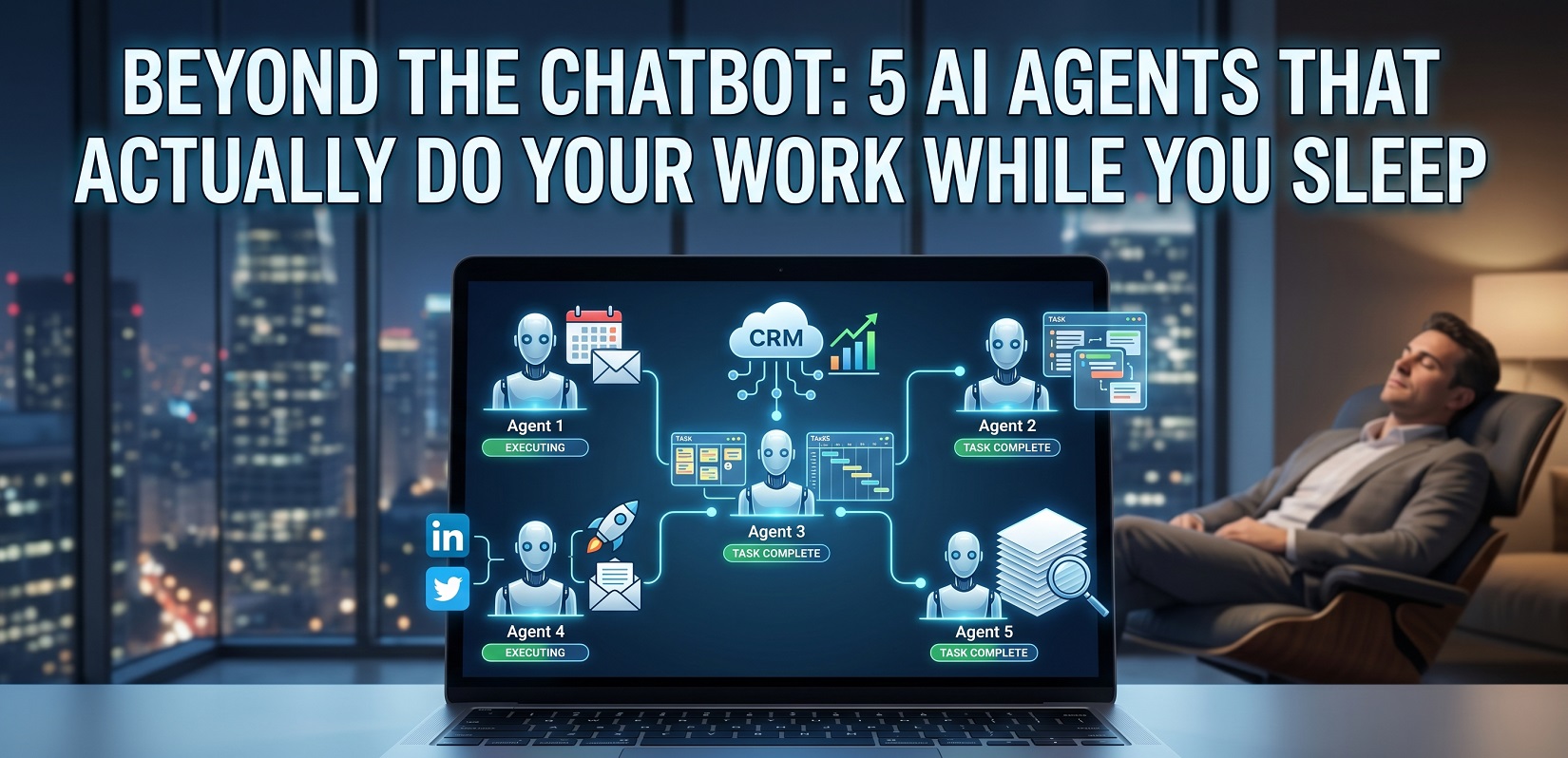
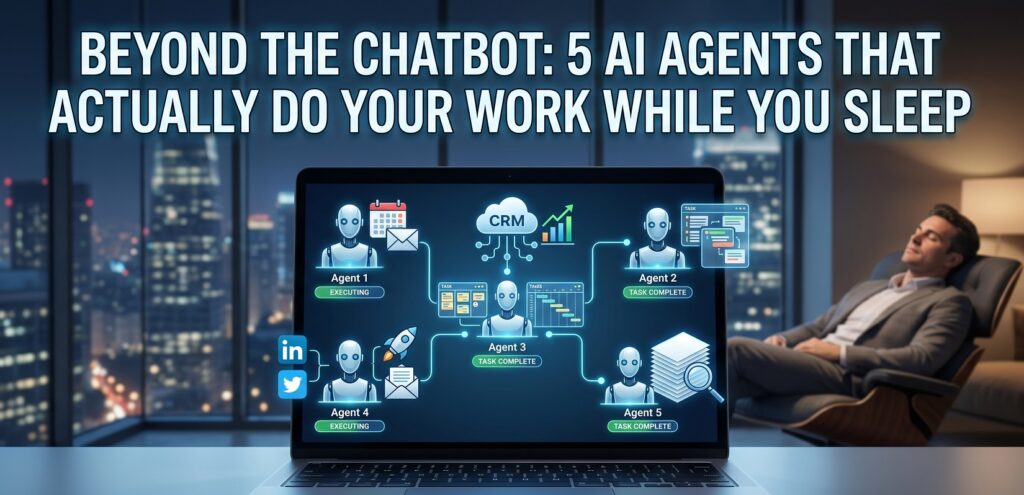
True productivity isn’t about having a better conversation with a chatbot; it’s about eliminating the conversation entirely. Welcome to the “Set and Forget” class of 2026. We are moving away from AI that talks and toward AI that executes. These are agents that operate on triggers, not just texts—working in the background while you’re out for dinner or fast asleep.
Agent 1: The “Executive Assistant” (Lindy)
If you are still manually checking your “Calendly” links or back-and-forth emailing a client to find a time that works for both of you, you are living in 2023. Meet Lindy, the frontrunner in the meeting lifecycle management revolution.
What it does while you sleep:
Lindy doesn’t wait for you to log in. It sits quietly in your inbox and acts on your behalf. When a potential lead emails you saying, “I’d love to grab 15 minutes next week,” Lindy identifies the intent, cross-references your calendar (accounting for your preferred “deep work” blocks), and negotiates the time directly with the sender.
But it doesn’t stop at the invite. While you’re dreaming, Lindy:
- Sends the calendar invite with a pre-populated Zoom or Google Meet link.
- Researches the participants by scanning their recent LinkedIn posts and company news.
- Delivers a “Briefing Note” to your inbox by 8:00 AM, so you know exactly who you’re talking to and what they’ve been up to lately without doing a single Google search.
Why it’s better than a chatbot:
A chatbot like ChatGPT can give you a polite template to send to a client. Lindy actually updates your calendar. It moves from the realm of “suggestion” to the realm of “execution.” It isn’t a tool you use; it’s an employee you manage. By the time you pour your first cup of coffee, your morning meetings aren’t just scheduled—they’re prepared.
Agent 2: The “Sales Ops Lead” (Clay / Relevance AI)
In the old world of sales, “outbound” meant buying a static list of emails, sending a generic blast, and praying for a 1% reply rate. In 2026, that’s just a fast track to the spam folder. Enter the “Sales Ops Agent”—a system that doesn’t just store data but hunts for reasons to reach out.
What it does while you sleep:
Tools like Clay and Relevance AI act as a 24/7 research team. Instead of you manually scouring LinkedIn, these agents monitor “intent signals” across the web.
- The Trigger: If a target company in your CRM just raised a Series B, hired a new VP of Engineering, or even posted a specific job opening for a role your software helps, the agent springs to life.
- The Action: It automatically enriches your Salesforce or HubSpot records with the new hire’s verified email, pulls a quote from their latest podcast appearance, and drafts a hyper-personalized outreach.
- The Result: By the time you sit down at your desk, your “Outbox” is filled with drafts that say: “Congrats on the new role at Company X! I saw your interview on [Podcast Name] where you mentioned [Specific Pain Point]—we actually just solved that for [Competitor].”
Why it’s better than a chatbot:
A chatbot can write a “good” cold email template. Clay populates your pipeline. It does the digital “grunt work”—the searching, the verifying, and the data entry—that usually eats up 70% of a salesperson’s week. It transforms your CRM from a static graveyard of contacts into a living, breathing engine of opportunity.
Agent 3: The “Project Orchestrator” (Taskade / CrewAI)
Most project managers spend their lives in “The Gap”—the space between a meeting ending and the actual work beginning. This is where action items get forgotten and deadlines go to die. The “Project Orchestrator” agent is designed to bridge that gap autonomously.
What it does while you sleep:
Using frameworks like Taskade Genesis or CrewAI, you can deploy agents that “listen” to your team’s communication channels.
- The Input: The agent records your late-afternoon Zoom call or monitors a specific Slack channel.
- The Execution: Using “Workspace DNA,” it identifies every promise made (“I’ll have that report by Friday”) and every request issued. Without a single human click, it creates structured tasks in Asana, ClickUp, or Jira, assigns them to the correct team member, attaches the relevant meeting transcript, and sets the deadline based on your existing project timeline.
- The Oversight: It even flags “Resource Risks”—sending you a private alert if it notices a team member has been assigned three “High Priority” tasks in the same window.
Why it’s better than a chatbot:
A chatbot like Otter.ai or standard Zoom AI can give you a summary of what was said. The Orchestrator manages the project. It doesn’t just tell you that you have work to do; it builds the infrastructure for that work to happen. It turns unstructured conversation into a structured roadmap, ensuring that “sync meetings” actually result in “synced progress.”
Agent 4: The “Content Multiplier” (ContentStudio / Custom Agents)
The biggest lie in digital marketing is that “content is king.” In 2026, distribution is king. Most creators spend 10 hours producing a high-quality video or article, only to spend 10 minutes sharing it once. The Content Multiplier agent flips this script, ensuring your ideas work as hard as you do by automating the entire “recycling” process.
What it does while you sleep:
Using tools like ContentStudio or custom Dust agents, you can build a digital assembly line that triggers the moment you hit “Publish” on a long-form piece of content.
- The Extraction: The agent reads your 2,000-word blog post or “watches” your YouTube video. It identifies the three most controversial points, five actionable tips, and two “quote-worthy” moments.
- The Multi-Channel Draft: While you sleep, it drafts 10 distinct LinkedIn posts (varying by hook), 5 high-engagement Twitter/X threads, and a condensed version for your Sunday newsletter—all written in your specific brand voice.
- The Scheduling: It doesn’t just stop at drafting. It automatically slots these into your social calendar for the next two weeks, spacing them out to maximize reach across different time zones (US, UK, and Canada).
Why it’s better than a chatbot:
A chatbot can rewrite a paragraph if you ask it nicely. The Content Multiplier publishes the campaign. It takes you out of the “copy-paste-format-post” loop entirely. You move from being a manual laborer to a creative director who simply approves the “final cut” before it goes live.
| Feature | Use a Chatbot if… | Use an AI Agent if… |
| Complexity | You need a quick answer or summary. | You need a 10-step workflow finished. |
| Integration | You are staying within one app. | You need to move data across 3+ apps. |
| Autonomy | You want to supervise every step. | You want it to run while you sleep. |
| Example | “Write an email template.” | “Find leads and draft the emails.” |
Agent 5: The “Research Analyst” (Tavily / Perplexity Pages)
The “Search Engine” as we knew it is dead. In its place, we now have “Research Agents” that don’t just find links—they synthesize reality. If you need to understand a competitor’s strategy or a new market trend, you no longer spend a day “Googling it.” You assign it to an analyst.
What it does while you sleep:
Agents powered by Tavily or Perplexity Pages are designed for “Deep Research” modes that can take anywhere from 30 minutes to 6 hours to complete.
- The Deep Crawl: You give it a complex prompt: “Analyze the 2026 pricing models of the top 5 SaaS HR platforms in the UK and compare their feature sets to our current offering.” * The Investigation: The agent doesn’t just look at the homepages. It crawls through messy PDF white papers, reviews obscure forum discussions on Reddit, and scans pricing updates buried in old press releases.
- The Artifact: By 8:00 AM, you have a 15-page “Research Dossier” waiting in your inbox. It includes cited sources, a comparative matrix (table), and a “Strategic Summary” highlighting exactly where your competitors are vulnerable.
Why it’s better than a chatbot:
A chatbot answers a question based on its training data (which is often months old). The Research Analyst delivers a dossier based on the live web. It cross-references its own claims, filters out hallucinated data, and provides a finished document that is ready to be presented at your next board meeting. It’s the difference between asking a librarian a question and hiring a private investigator.
How to Delegate, Not Dictate
As we move deeper into 2026, the most valuable skill in the corporate world has shifted. It is no longer about being a “Power User” who knows the most complex prompts. It is about becoming an Agentic Architect.
Shift from Prompts to Protocols
In the early days of AI, success depended on your ability to write—to describe a task so clearly that a chatbot couldn’t mess it up. Today, the best users aren’t necessarily good writers; they are world-class managers of digital entities. Instead of writing a “Prompt” (a one-time command), they design a “Protocol” (a repeatable logic chain). They don’t tell the AI what to say; they define the rules of engagement:
- “If X happens in the CRM, then trigger Agent Y to research Z.”
- “Only proceed to Step 3 if the lead’s annual revenue exceeds $10M.”
The Security Check- Human-in-the-loop (HITL)
With great autonomy comes the risk of “automated chaos.” The secret to sleeping soundly while your agents work is the Human-in-the-loop (HITL) checkpoint.
Autonomous workflows should be “High Trust, but Verified.” The most effective setups use agents to do the 90% of the heavy lifting (researching, drafting, organizing) but pause for a “Human Approval” trigger before any high-stakes action—like hitting “Send” on a million-dollar proposal or “Post” on a viral marketing campaign.
Reclaiming Your 40 Hours
The Bottom Line: The “Quiet Ambition” Trend
We are witnessing a cultural pivot in the Western workforce known as “Quiet Ambition.” The goal is no longer to climb the ladder by working 80-hour weeks; it’s to achieve elite results while reclaiming your personal time. People don’t want to work more; they want their work done better, and they’ve realized that being the “operator” of every task is a losing game.
By deploying these five agents, you aren’t just “using AI”—you are building a personal infrastructure that scales. You are moving from the person doing the work to the person owning the outcomes.
| Feature | The Chatbot (2023) | The AI Agent (2026) |
| Input | Manual Prompt | Event Trigger (Email, Date, Lead) |
| Output | Text / Code | Action (Booking, Updating, Sending) |
| Effort | Active (You must wait) | Passive (It runs in the background) |
| Goal | Content Generation | Workflow Completion |
Fire Yourself Today
The transition to an agent-led workflow doesn’t happen overnight. It starts with a single point of friction.
Your challenge this week: Identify one repetitive, soul-crushing task—whether it’s scheduling meetings, cleaning your CRM, or summarizing industry news—and “fire yourself” from it. Choose one agent from this list, set the protocol, and let it run while you sleep.
The future of work isn’t about working alongside AI; it’s about letting AI work for you. Which task will you delegate first?
Is an AI agent the same thing as a chatbot?
No. While they share a conversational interface, the difference is action. A chatbot is reactive (it answers a question); an AI agent is proactive (it executes a goal). If you ask for a flight, a chatbot gives you a link; an agent checks your calendar, finds the flight, and prepares the booking.
Can AI agents actually “think” on their own?
Agents don’t “think” like humans, but they use reasoning loops (like the Observe-Think-Plan-Act cycle). They can break a complex goal down into sub-tasks, use external tools (APIs, web browsers), and self-correct if a specific step fails.
Do I need to know how to code to use these agents?
In 2026, many enterprise-grade agents (like Lindy or Relevance AI) are no-code or low-code. You build them using “Protocols”—natural language instructions that define the rules of the workflow—rather than writing Python or Javascript.
Are AI agents safe for sensitive corporate data?
Security is the biggest 2026 priority. Most professional agents now operate in secure sandboxes or “Human-in-the-Loop” (HITL) environments. This means the agent can prepare the work, but a human must click “Approve” before data is sent externally or high-stakes financial transactions are processed.
How much do autonomous agents cost compared to chatbots?
While basic chatbots are often free or low-cost, agents are typically billed based on usage or outcomes (e.g., $0.08 per session hour or per task completed). However, because one agent can replace 10+ hours of manual labor, the ROI is usually 3x to 5x higher than a standard chatbot subscription.
ViralZip (viralzip.blog) is an independent content publication covering the stories, trends, and shifts that matter to curious, ambitious readers across the US and UK. We write about Life & Mysteries, Finance & Rebates, Tech & AI Trends, and Local Pulse — topics that cut through the noise and speak to real people navigating real decisions. Our editorial focus is on accuracy, depth, and relevance. We don’t chase clicks for their own sake. We chase stories worth your time.
Disclaimer: The content published on ViralZip (viralzip.blog) is intended for informational and educational purposes only. While we make every effort to ensure accuracy at the time of publication, we do not guarantee that all information is complete, current, or free from error. Nothing on this site constitutes professional financial, legal, medical, or career advice. The case studies and examples featured in our articles are illustrative in nature — names and identifying details may be composite or anonymised to protect individual privacy. Readers are encouraged to conduct their own research and consult qualified professionals before making any financial, legal, or career decisions. ViralZip is not responsible for any actions taken based on the content of this site. External links, where included, are provided for convenience and do not constitute endorsement of third-party websites or services.